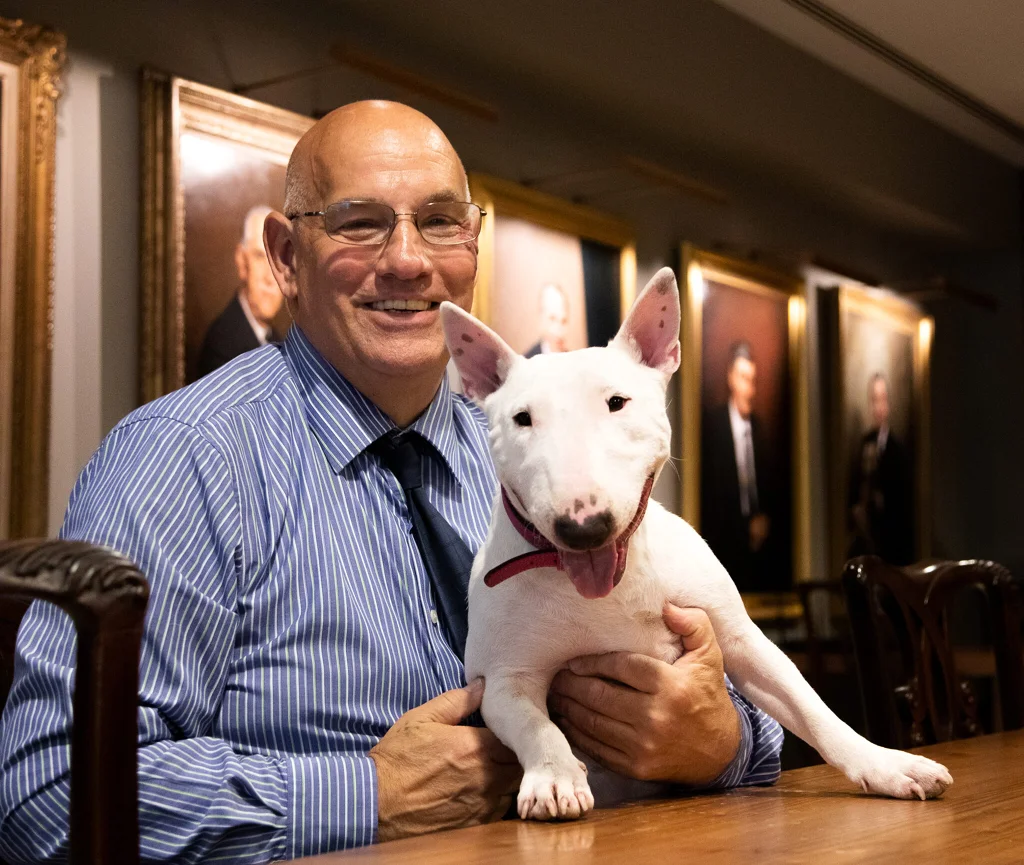

Bill Lambert is a recognised authority on the Bull Terrier Breed, a successful breeder and judge of the breed, and a judge of Miniature Bull Terriers.
He is a former Health, Welfare and Breeder Services Executive at the Royal Kennel Club, where had overall responsibility for Canine Health and Welfare initiatives and Kennel Club Breed Rescue for almost 20 years. He was also Chief Royal Kennel Club spokesperson, where he represented the RKC both in the media and on internal and external committees and groups, including in Parliament.
He has a special interest in the place of dogs in society and has lobbied for changes to the Dangerous Dogs act since its inception in 1991.
He is an IEMA approved Lead Auditor and formulated the process for assessing breeders’ premises on behalf of the Kennel Club Assured Breeder Scheme – the first scheme of its kind in the world.
His previous career involved providing customer service where he has a long history in raising and applying accreditation standards as well as being involved in the specialised IT and print industries, where he ran a successful printing business for a number of years as well as being employed in the advertising industry, where he was formerly responsible for the digital delivery of the world’s largest newspaper advertising campaign.