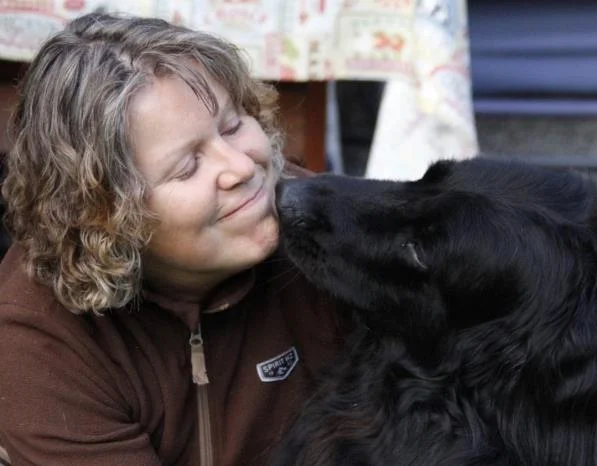
Katariina joined IPFDogs as a Business and Project Coordinator in August 2021. From November 2021 until September 2022, she served as Acting CEO.
Katariina is a researcher who previously worked as a breeding expert for the Finnish Kennel Club. She studied animal breeding and genetics at the University of Helsinki. The subject of her dissertation was ‘Breeding Against Hip and Elbow Dysplasia in Dogs’. She specialises in population genetics (genetic diversity and small populations), canine hereditary disorders, and breeding value estimations.
From 2019 to 2023, she was a visiting researcher at the Finnish Natural Resources Institute, where she wrote two reports on dog breeding commissioned by the Finnish Food Authority and the Ministry of Agriculture and Forestry. This work resulted in her receiving the Act of Animal Welfare award from SEY Animal Welfare Finland. Katariina received the award alongside her colleague Riitta Kempe, who worked as the project administrator.
Katariina thrives when combining scientific research with practical advisory work, translating scientific findings into real-world applications. In her HealthyBreeding online courses, she teaches breeders and vets all about genetics.
Katariina lives in the Finnish countryside with her family and three horses, two cats and a Hovawart.